TEKIBO Journal
Setting up a serious Python project with uv
A deeper uv workflow for project setup, Python pinning, dependency groups, lockfiles, tools, scripts, and Docker-friendly installs.
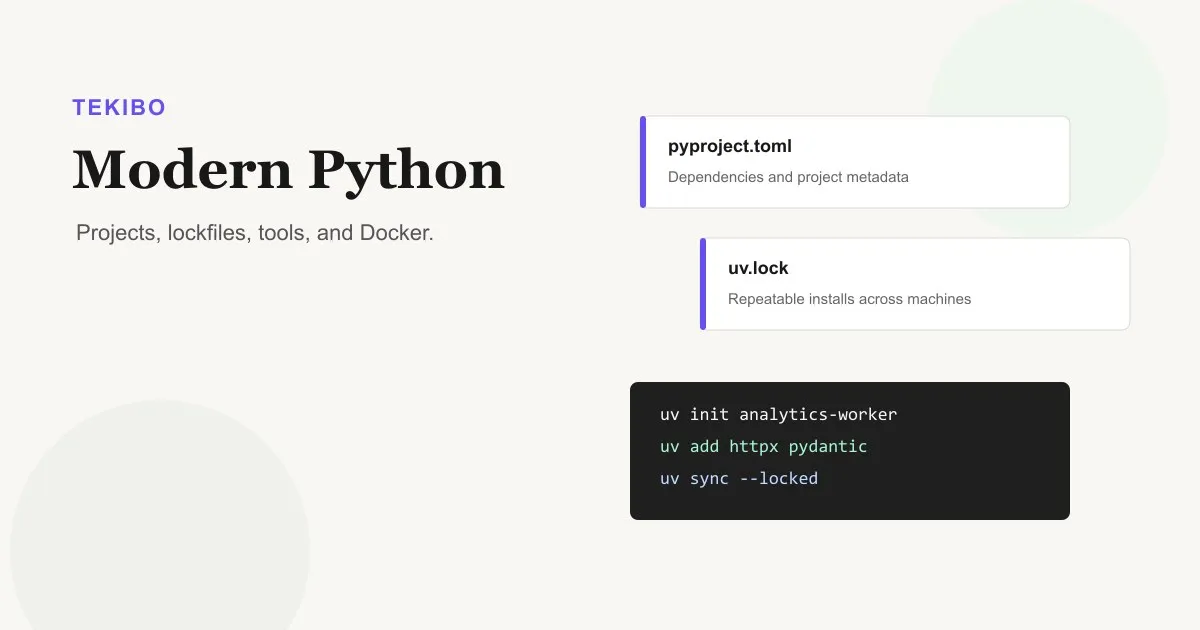
uv is easiest to undersell if you describe it as a faster pip. It is faster, but the real reason to use it is that it pulls several pieces of modern Python work into one tool: Python version management, virtual environments, dependency locking, script execution, tool execution, and project sync.
For a new project, that means fewer bootstrap steps and less toolchain glue. You can start with a pyproject.toml, pin the Python version, add dependencies, lock them, run commands inside the environment, and hand the same workflow to a teammate or CI job.
Install uv
On macOS and Linux, the standalone installer is the fastest path:
curl -LsSf https://astral.sh/uv/install.sh | shOn Windows PowerShell:
powershell -ExecutionPolicy ByPass -c "irm https://astral.sh/uv/install.ps1 | iex"If you prefer Python package tooling, install uv in an isolated environment with pipx:
pipx install uvYou can use pip install uv, but pipx is cleaner for a command-line tool because it avoids mixing uv into a random project environment.
Start with the project shape
For an application, use:
uv init analytics-worker
cd analytics-worker
uv init creates the basic project files: pyproject.toml, README.md, main.py, and .python-version. The first project command that needs the environment, such as uv run, uv sync, or uv lock, creates .venv and uv.lock.
For a package that should have a src/ layout and be importable as a project package, use:
uv init --package analytics-worker
cd analytics-worker
Choose --package when you are building a library, a CLI you plan to publish, or an app where tests should import the project package exactly as users will.
Pin Python early
Pinning Python gives everyone the same interpreter target:
uv python pin 3.12That writes .python-version. uv can discover system Python installations, but it can also install managed Python versions when needed:
uv python install 3.12You can request a version directly on commands too:
uv run --python 3.12 python --versionThe point is not to collect Python managers for sport. The point is to let the repository describe the Python it expects, so local machines, CI, and containers drift less.
Add runtime dependencies
Use uv add for dependencies your app needs at runtime:
uv add httpx pydanticuv updates pyproject.toml, resolves compatible versions, and updates the lockfile. The dependency entry lands in the standard project.dependencies field, so other Python tooling can still understand the project.
Remove packages the same way:
uv remove httpxFor one-off constraints, pass the specifier explicitly:
uv add "django>=5.1,<5.2"Keep dev tools separate
Development tools should not become runtime dependencies. Add them to the dev dependency group:
uv add --dev pytest ruff mypyThe dev group is synced by default, which is convenient for local development. In production or container builds, exclude it:
uv sync --no-devYou can also create named groups for specialized work:
uv add --group docs mkdocs mkdocs-material
uv sync --group docs
Use groups when the dependencies support a workflow rather than the application itself.
Understand lock and sync
uv.lock is the repeatability file. It records the resolved package set so two machines can install the same dependency graph.
uv locks and syncs automatically for common commands. For example, uv run checks that the lockfile and environment are current before running the command. That makes the usual workflow pleasantly boring:
uv run python main.pyFor CI, be stricter:
uv lock --check
uv sync --locked
uv run pytest
Use --locked when CI should fail if someone forgot to update the lockfile. Use --frozen only when you explicitly want to use the lockfile without checking whether project metadata changed.
When you intentionally want new package versions, say so:
uv lock --upgradeOr upgrade one package:
uv lock --upgrade-package httpxRun commands inside the project
The .venv environment is isolated. Instead of activating it manually, run commands through uv:
uv run python main.py
uv run pytest
uv run ruff check .
This keeps commands reproducible and makes copy-pasted project instructions work in more shells. It also avoids the classic “it passed in the wrong virtual environment” problem.
For standalone tools you do not want installed in the project, use uvx, which is an alias for uv tool run:
uvx ruff@latest check .
uvx pyright --version
Use uv tool install only for tools you want available on your PATH outside a single repository.
Run scripts with inline dependencies
uv is also strong for small scripts. A script can declare its own dependencies in inline metadata, and uv run script.py will execute it in an isolated environment with those dependencies.
That is useful for maintenance scripts, data pulls, or tiny admin jobs that should not contaminate the main project dependencies.
Example:
# /// script
# dependencies = [
#   "httpx",
# ]
# ///

import httpx

print(httpx.get("https://example.com").status_code)
Run it:
uv run script.pyDocker-friendly pattern
In containers, keep dependency installation stable and cacheable. The basic pattern is:
FROM python:3.12-slim

COPY --from=ghcr.io/astral-sh/uv:latest /uv /uvx /bin/
WORKDIR /app

COPY pyproject.toml uv.lock ./
RUN uv sync --locked --no-dev --no-install-project

COPY . .
RUN uv sync --locked --no-dev

CMD ["uv", "run", "python", "main.py"]
For bigger apps, refine this around your build system, but keep the idea: copy lock metadata first, sync dependencies with --locked, then copy application code.
A practical default workflow
For most new Python apps:
uv init --package my-app
cd my-app
uv python pin 3.12
uv add httpx pydantic
uv add --dev pytest ruff mypy
uv run pytest
uv lock --check
Commit these files:
pyproject.toml
uv.lock
.python-version
README.md
src/
tests/
Ignore these:
.venv/
.pytest_cache/
.mypy_cache/
.ruff_cache/
That gives you a project someone else can clone, sync, test, and deploy without asking which virtualenv command you used last Tuesday.
Official references: